
Microsoft Access has been around for decades. That makes it easy to assume that it belongs to an earlier era of software development.
But “old” and “obsolete” are not the same thing. Microsoft Access is still a supported Microsoft product, and Access 2024 currently has a listed retirement date of October 10, 2029. Microsoft’s lifecycle documentation provides the current support information.
More importantly, businesses still use Access to build and operate real applications. The more useful question is not whether Access is old. It is whether Access can meet the requirements of the application you need to build or maintain.
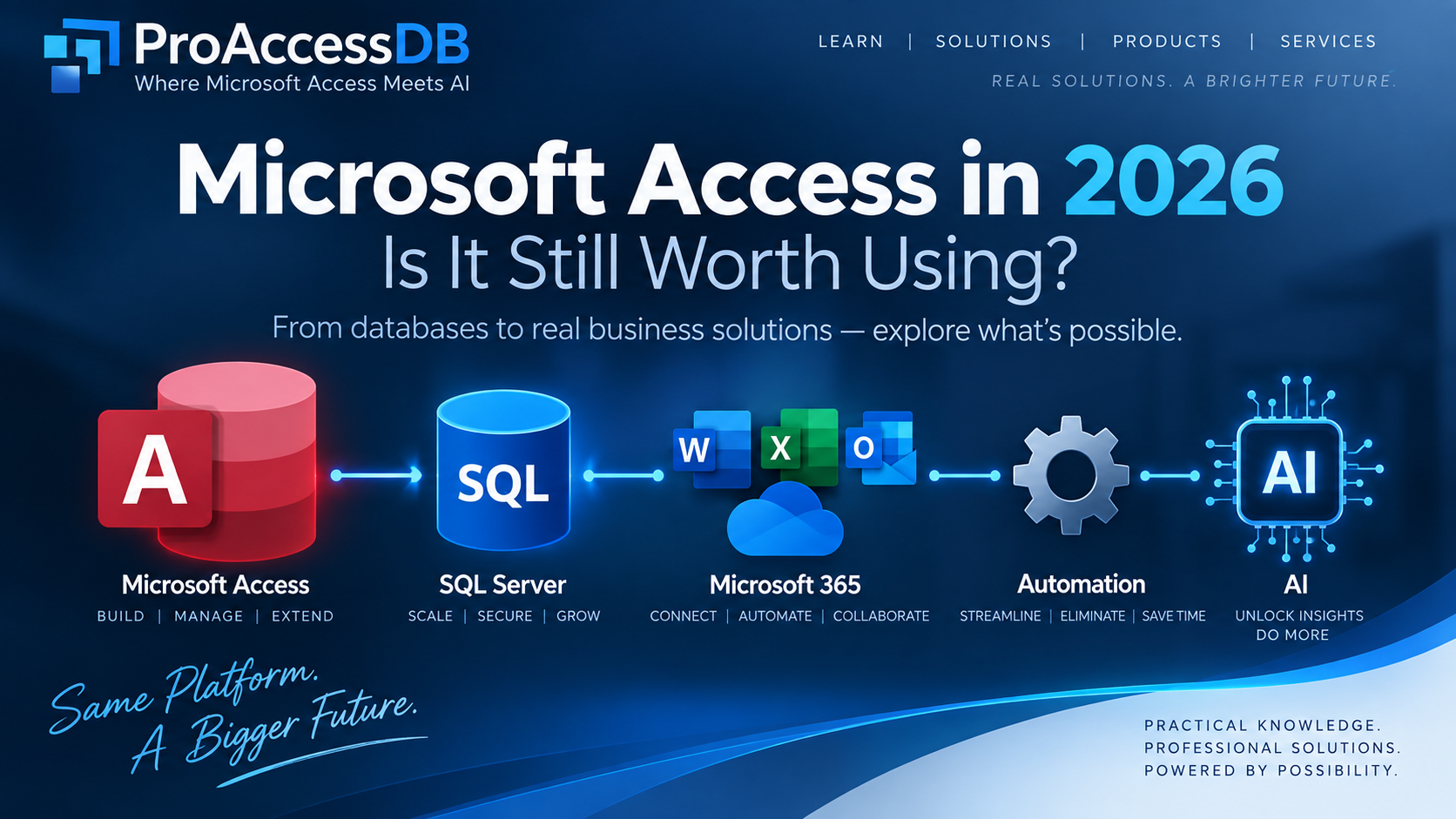
For many business applications, the answer is yes. And when Access is combined with SQL databases, Microsoft 365, automation, APIs, and AI, it can become much more capable than the typical “database file with a few forms” image suggests.
What Can Microsoft Access Actually Do?
When people think about Microsoft Access, they often think about tables, forms, queries, and reports. Those are fundamental Access capabilities, but they are only part of the picture.
A professionally designed Access application can also include business rules, validation, VBA automation, document generation, Microsoft 365 integration, API connections, reporting systems, configuration, error handling, logging, and controlled deployment.
At that point, you are not simply working with a database. You are building a business application.
Where Access Still Makes Sense
Access can be a practical choice when a business needs a structured application that is more controlled than a collection of spreadsheets but does not require a large enterprise application platform.
- Inventory and asset management
- Customer and vendor management
- Order and purchasing systems
- Project and task tracking
- Scheduling and operational workflows
- Quality-control applications
- Document and record tracking
- Departmental reporting systems
- Data collection and validation
The attraction is not simply that Access is easy to start. A developer can combine a relational database, forms, reports, queries, VBA, and integrations into one working business application without requiring a large development team.
Where Microsoft Access Has Real Limits
A professional discussion about Access also needs to be honest about its limits.
Microsoft documents a 2 GB maximum database size for an Access database and a maximum of 255 concurrent users. These are documented technical limits, not recommended operating targets. Real-world performance depends on database design, workload, network conditions, concurrency, hardware, and other factors.
If an application is approaching these boundaries, that is usually a sign that its architecture should be reviewed rather than a reason to simply keep pushing the same design harder.
Access also has an important delivery limitation: its forms and reports are designed for the Windows desktop environment. If users need a browser-first or mobile-first application, a web or mobile platform may be more appropriate.
These limitations are not weaknesses to hide. They are engineering constraints to understand.
Access Does Not Have to Be the Backend
One of the most useful ideas for modern Access development is separating the application from the data.
In simple terms, think of the Access application as the part employees interact with, while a server database stores the important business data.
Microsoft provides guidance for migrating Access databases to SQL Server while retaining an Access front end. That means moving to SQL Server does not automatically mean throwing away the application employees already know.
This is one of the most important modernization paths for an existing Access application: change the part that needs to change while preserving the parts that still work.
What Makes an Access Application Professional?
The difference between a quick database and a professional application is often the engineering behind it.
A professional Access application should consider architecture, validation, error handling, security, deployment, backups, maintenance, and version management. It should be designed so that another person can understand how it works and so that changes can be made without breaking unrelated parts of the system.
Access does not provide modern user-level security for an .accdb file in the way many enterprise systems do. Security therefore needs to be designed around the application, Windows or server environment, database backend, permissions, and deployment model.
Likewise, Access does not have its own general-purpose scheduling service. If a process needs to run automatically at a particular time, Windows Task Scheduler or another automation platform can launch the required process.
Professional development is not about pretending Access does everything. It is about understanding what Access does well and connecting it to the technologies that solve the remaining problems.
Automation Can Make Access Much More Powerful
VBA remains one of Access’s most useful capabilities because it allows the application to interact with other software and automate business processes.
- Excel and other Microsoft Office applications
- Files and folders
- Reports and documents
- External databases
- Web APIs
- Data imports and exports
- Business rules and validation
- Repetitive operational workflows
The important idea is that Access does not have to perform every task itself. It can coordinate work across a wider technology environment.
Microsoft Access Meets AI
AI creates another layer of possibility.
AI can be connected to an Access application through APIs and other integration methods. That makes it possible to add capabilities that would have been difficult for a small Access development project to build on its own.
AI-assisted development
AI can help developers understand existing VBA, create new routines, explain SQL, troubleshoot errors, document code, and accelerate repetitive development work.
Natural-language questions
An application can potentially accept a question such as “Which customers have not ordered in the last 90 days?” and use AI to help translate that request into a controlled database query.
Document and data extraction
Businesses receive information through PDFs, emails, spreadsheets, forms, and other documents. AI can help extract relevant information, validate it, and move it into structured database records.
AI does not replace good database design. It can make a well-designed database much easier to use and much more capable.
Modernization can happen in stages. You do not have to rebuild everything at once.
Access vs. Power Apps, Dataverse, and SharePoint
Access is not the only Microsoft tool for business applications. Power Apps, Dataverse, and SharePoint can be better suited to browser-based, mobile, cloud-first, or collaborative scenarios.
That does not mean every Access application should be moved to one of those platforms. The right choice depends on requirements, existing investment, licensing, skills, data architecture, and how the application is expected to evolve.
| Requirement | Access | Power Apps / Dataverse | SharePoint Lists |
|---|---|---|---|
| Rich desktop database application | Strong fit | Different approach | Limited |
| Existing Access/VBA investment | Directly reusable | Usually requires redesign | Usually requires redesign |
| Browser-based application | Not native | Strong fit | Strong fit |
| Mobile-first application | Not native | Strong fit | Possible |
| Microsoft 365 integration | Strong | Strong | Strong |
| Large-scale backend | Use SQL Server or another backend | Dataverse/Azure ecosystem | Not intended as a primary enterprise database |
When Should an Access Application Move to SQL Server?
Moving data to SQL Server can make sense when the application’s data volume, concurrency, administration, security, or scalability requirements have grown beyond what an Access file should handle.
- The database is approaching Access’s size limits.
- More users need simultaneous access.
- Centralized database administration is required.
- Server-based backup and recovery are important.
- Multiple applications need to share the same data.
- The organization already operates SQL Server infrastructure.
Importantly, the result can still be an Access application connected to SQL Server. Microsoft provides guidance for this model, including migrating Access data to SQL Server while preserving an Access front end.
Five Paths for an Existing Access Application
1. Keep It
If the application works, meets its requirements, and is properly maintained, there may be no reason to replace it.
2. Improve It
Refactor the database, improve the interface, clean up VBA, strengthen validation, improve error handling, and make reporting more useful.
3. Integrate It
Connect it to SQL Server, Microsoft 365, APIs, external data sources, or automation platforms.
4. Modernize It
Keep the parts that work while progressively replacing components that no longer meet the application’s requirements.
5. Replace It
If the application’s requirements have moved substantially beyond what Access can reasonably support, a different platform may be the correct solution.
The important point is that replacement should be a technical decision, not an assumption based on the age of the database.
A Database Can Be Old Without Being Obsolete
A ten-year-old Access application may contain valuable business logic, years of historical data, and workflows employees understand extremely well. Its age alone does not tell you whether it should be replaced.
Likewise, a recently built application can be poorly designed.
The more useful questions are:
- Does it meet the business requirement?
- Is the data structured correctly?
- Is the application maintainable?
- Is it reliable?
- Can it be secured appropriately?
- Can it be backed up and recovered?
- Can it integrate with the systems around it?
- Can it evolve as the business changes?
What ProAccessDB Is About
ProAccessDB is not about arguing that Microsoft Access should replace every modern technology. It should not. Explore more Microsoft Access and technology guides in Learn →
The goal is to show what becomes possible when Access is treated as a serious application-development platform and connected to the technologies around it.
That means going beyond basic tables and forms. It means building reusable tools, application frameworks, validation systems, automation, AI integrations, and business applications that demonstrate how far the platform can be taken.
The products being developed by ProAccessDB are intended to demonstrate exactly that: modern capabilities built around a technology that many businesses already know and depend on.
That is the idea behind Where Microsoft Access Meets AI.
Frequently Asked Questions
Is Microsoft Access still supported in 2026?
Yes. Microsoft continues to support Access. Access 2024 currently has a listed retirement date of October 10, 2029. Access 2021 reaches retirement on October 14, 2026. Check Microsoft’s lifecycle documentation for current support information.
Is Microsoft Access obsolete?
No. Access remains a supported Microsoft database and application-development environment. Whether it is appropriate depends on the requirements of the particular application.
How many users can Microsoft Access support?
Microsoft documents a maximum of 255 concurrent users. That is a technical maximum, not a recommendation that every application should attempt to operate at that level. Real-world performance depends on architecture, workload, network conditions, database design, and other factors.
What is the maximum size of an Access database?
An Access database has a documented maximum size of 2 GB, excluding space required for system objects.
Can Access work with SQL Server?
Yes. Access can link to SQL Server tables and can be used as the front end for a SQL Server-backed application.
Can Microsoft Access use AI?
Yes. Access applications can integrate with AI services through APIs and other integration methods. Possible uses include code assistance, SQL generation, document extraction, data analysis, and natural-language interfaces.
Should I replace my Access database with Power Apps?
Not automatically. Power Apps may be appropriate when browser-based, mobile, or cloud-oriented requirements are important. An existing Access application may instead be improved, integrated, or moved toward SQL Server while retaining the Access front end.
Can a professional business depend on Microsoft Access?
Yes, when the application is properly designed, deployed, maintained, backed up, and operated within appropriate technical limits. The key is professional engineering rather than simply the choice of database software.
Final Thoughts
Microsoft Access is not the right answer for every application. It has real limitations, and professional developers should understand them.
But those limitations do not make Access irrelevant. They define where it fits.
For the right business application, Access can provide a powerful combination of relational data, forms, reporting, automation, VBA, Microsoft 365 integration, and extensibility. When those capabilities are combined with SQL Server, APIs, automation, and AI, the result can be considerably more sophisticated than the traditional image of an Access database suggests.
Access does not have to remain the application it was ten or twenty years ago.
It can be engineered, extended, integrated, and modernized.
That is the opportunity. That is what ProAccessDB is here to explore.
What Would You Like Us to Cover Next?
Would you like a detailed guide to expanding Access beyond the 2 GB limit, including multiple back-end files and SQL Server?
Where Microsoft Access Meets AI.